
Computing & peripherals
Source mini pcs from China
Compact computers power digital signage, kiosks, office desktops and industrial workstations where enclosure size or mounting options are tightly constrained. Compare fan-cooled and passive models using the required OS, video and network tasks. Panel-mount and always-on installations should be sampled with their actual ventilation, power and peripheral arrangement.
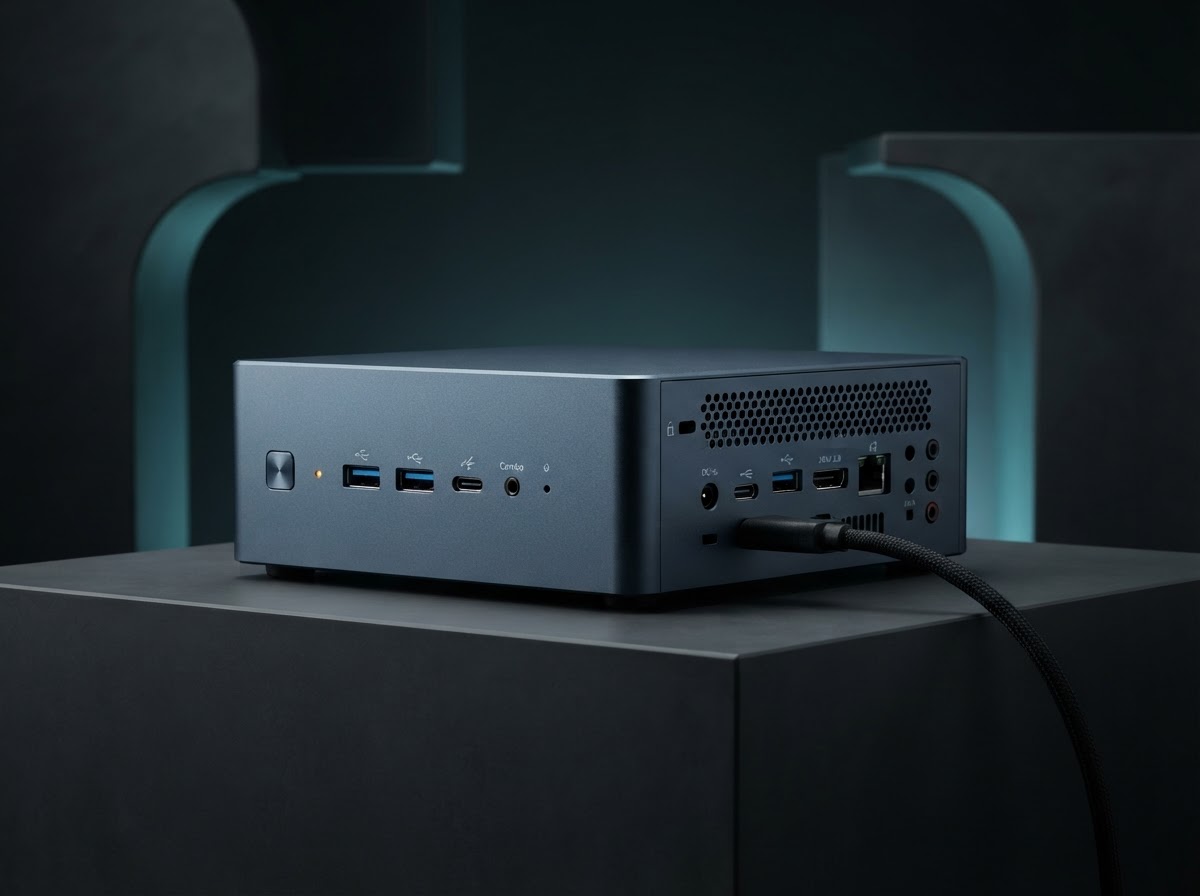
Mini PCs by application
Choose the format that fits your buyer’s environment, operating requirements and support plan. Use the exact model identifier in every quotation and sample request.
Office mini desktop
Compare USB display, wireless networking, acoustic behavior and easy SSD or memory access.
Fanless edge computer
Agree temperature and workload limits, cabinet mounting and dust exposure. Validate heat transfer to the enclosure under the real installation orientation.
Signage player
Confirm wake-on-power, display EDID behavior, scheduling, video decoding and remote recovery after network or power outages.
Inside and outside the product
Explore the enclosure, interfaces and internal assembly. Open each component to see what it does and which design details affect sourcing.
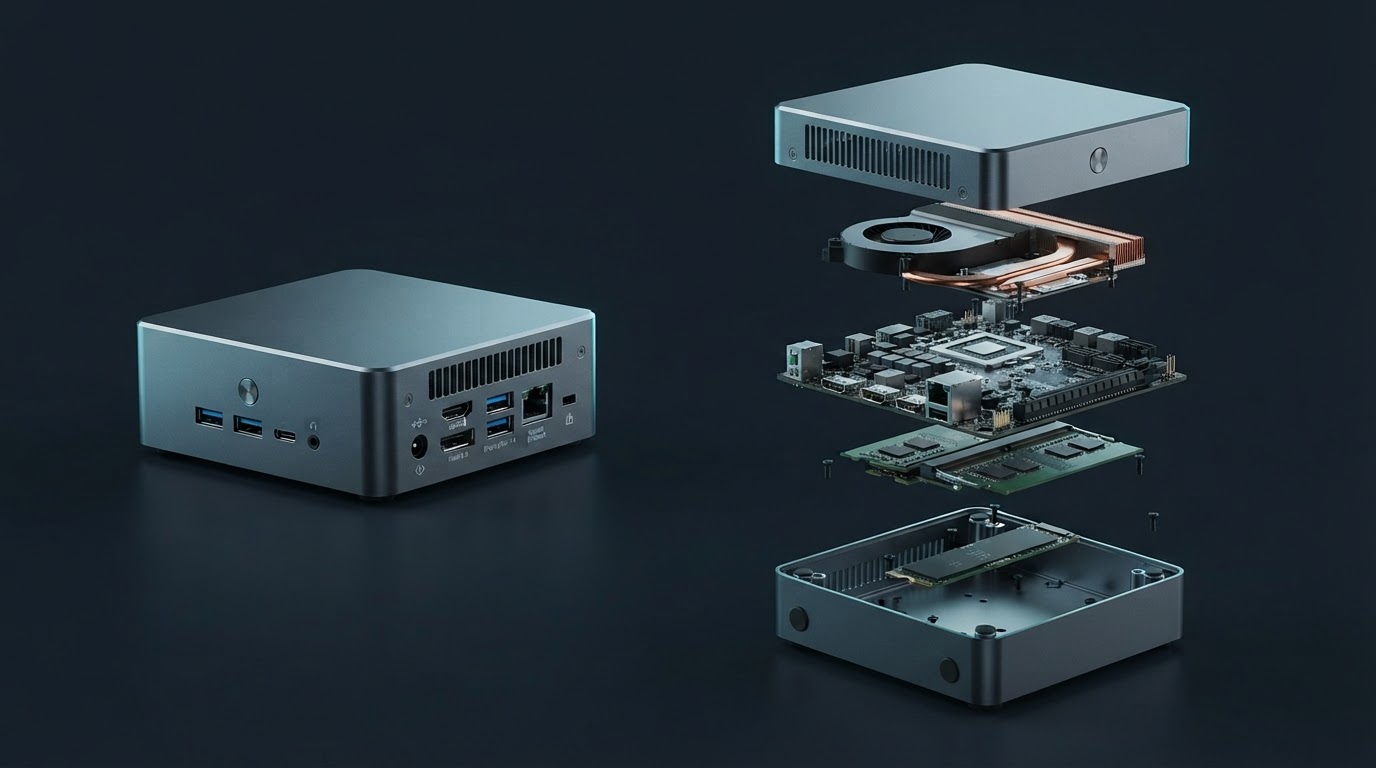
Enclosure and heatsink
The case or attached heatsink transfers heat out of the small chassis. Installation clearance affects heat rejection.
Processor board
This board integrates the CPU, video outputs, USB, network controllers and power inputs.
Memory and storage
Compact slots or soldered parts determine future service and expansion.
Mount and cables
The mounting plate, connector orientation and cable bends govern installation access.
External supply
Power brick voltage, headroom and plug retention must suit the deployment.
Mini PCs specification table
Ask each supplier to state a proposed value, supporting evidence and any deviation for the exact model it quotes. Measure samples under the same operating conditions before confirming the final configuration.
| Parameter | Specify or request from the supplier |
|---|---|
| Mechanical fit | Record box dimensions, mounting pattern, approved orientation, ventilation and service clearance. |
| Compute | State CPU, RAM arrangement, storage slots, sustained load targets and graphics codecs. |
| Display operation | Verify native resolution, refresh, multi-screen operation, cable length and startup without a display. |
| I/O | Confirm USB speeds, Ethernet speed and isolation, wireless option and power behavior on each port. |
| Thermal and mains | Record input and battery-free or UPS needs, power supply, operating temperature and power cycling. |
| Fleet support | Document firmware updates, remote management, storage image ownership, serial labels and access to drivers. |
Compare the offer line by line
State software licensing and support details, field-replaceable parts and any ventilation-related service conditions. Price the optional mount, memory and storage SKUs separately.
Record unit price, minimum order by configuration, sample cost, lead time and quoted handover terms. Use the China import quotation checklist to compare the cost and inclusions of each offer.
From sample to shipment inspection
Agree the sample, test method and acceptance limits before releasing a production order. Build the report around the product’s expected use and the components that can change between lots.
Pilot deployment
Mount the sample in its enclosure and run the actual video, logging or kiosk application for the planned duty cycle. Test brownout recovery and peripheral reconnect.
Factory build
Fix processor, monitor controller, SSD and external adapter by version. Approve BIOS settings, logo-free packaging and mounting kit.
Shipment check
Inspect shell, power supply markings and mount screws. Test first boot, extended video or data transfer, and every custom port.
See how supplier selection and inspection coordination fit into the MOEWORLDWIDE sourcing process.
Documentation, packing and export
Document review
Request documentation covering the end configuration, including external adapter and optional radio features. Confirm whether an embedded deployment needs separate system-level evidence for the finished cabinet or kiosk configuration.
Freight and carton details
Pack mounting accessories so they cannot scratch the enclosure. Group adapters by exact region and keep mounting plates with their matched unit. Include accepted carton heights and gross weights when quoting consolidation.
Confirm the commercial invoice, packing list, delivery term, cargo handover and any destination-specific documents with the parties responsible for the shipment.
Request a sourcing quote for mini pcs
Share the details below so MOEWORLDWIDE can compare offers on the same scope, including the supplied configuration, documentation, inspections and delivery terms.
- Application and market. Identify the office mini desktop, fanless edge computer or another configuration you are evaluating, and name the destination country and receiving city or port.
- Product specification. Include your target values for mechanical fit, compute, display operation and attach a current drawing, reference unit or datasheet if available.
- Order and packaging. List quantity by model, trial order size, likely repeat volume, required pack languages, accessories and target delivery date.
- Evidence and terms. List required reports, sample approvals, inspection scope, warranty expectations and preferred freight handover point.