
Computing & peripherals
Source desktop computers from China
For business PCs, classroom systems and design workstations, define the applications, devices and support plan before selecting a tower, small-form-factor or performance chassis. Use one test workload to compare platform configuration and thermal behavior. Request a controlled parts list that identifies the motherboard, processor, storage and power supply by exact reference.
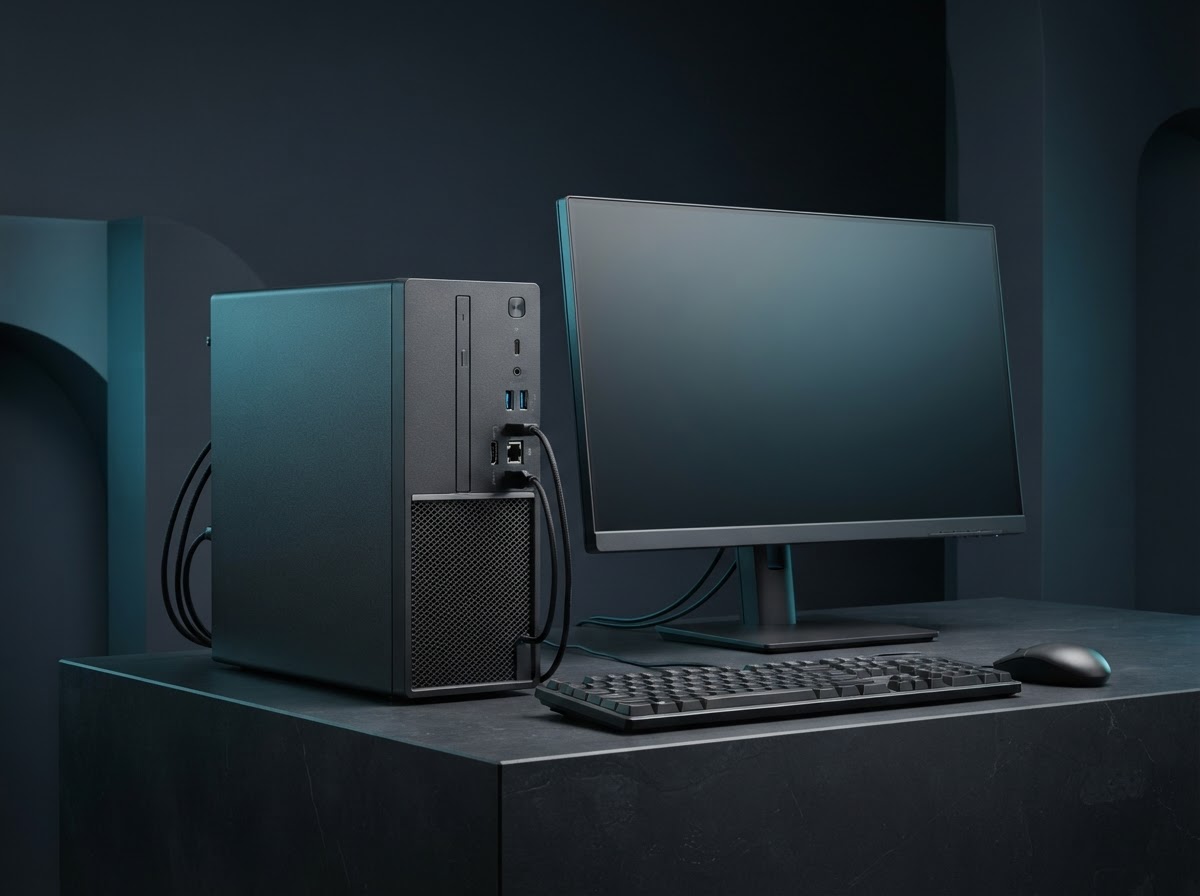
Desktop Computers by application
Choose the format that fits your buyer’s environment, operating requirements and support plan. Use the exact model identifier in every quotation and sample request.
Office tower
Prioritize easy service, stable ports, quiet operation and sufficient growth for common business applications.
Small-form-factor desktop
Verify dimensions, low-profile expansion, ventilation clearance and power supply replacement route.
Graphics workstation
Validate workload-specific GPU, power headroom, memory configuration and airflow with the exact case and cooling arrangement.
Inside and outside the product
Explore the enclosure, interfaces and internal assembly. Open each component to see what it does and which design details affect sourcing.
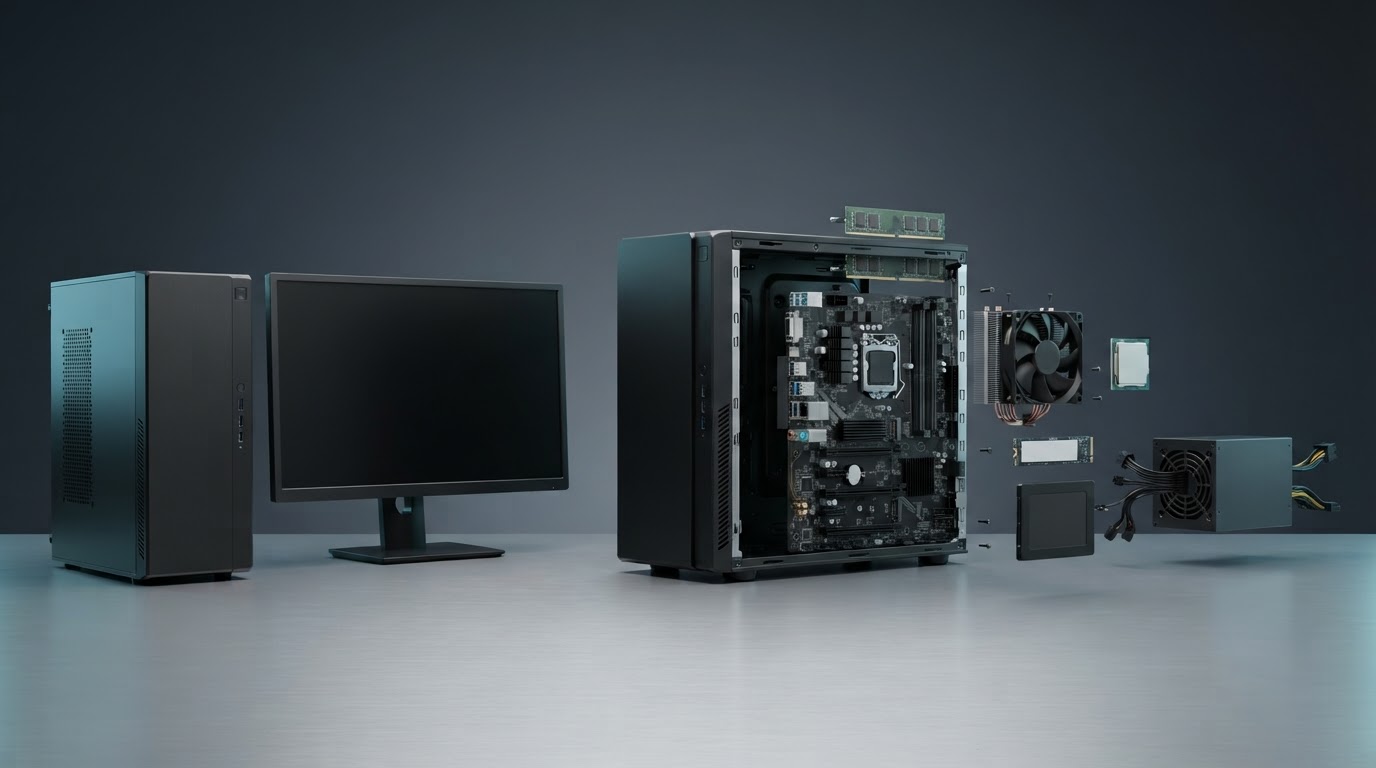
Chassis
The enclosure establishes the supported board shape, drive bays, expansion clearance and air path.
Motherboard and memory
The board connects processor, memory, graphics and storage. Slot rules vary by platform.
Power supply
It provides regulated power and connector capacity. Mechanical and electrical formats can differ.
Cooling hardware
Fan locations, heatsink contact and filters influence noise, temperature and dust loading.
Expansion and storage
SSDs, graphics cards and additional interfaces should fit within power and physical limits.
Desktop Computers specification table
Ask each supplier to state a proposed value, supporting evidence and any deviation for the exact model it quotes. Measure samples under the same operating conditions before confirming the final configuration.
| Parameter | Specify or request from the supplier |
|---|---|
| Platform | Lock processor stepping or exact SKU, motherboard identifier, BIOS, chipset and TPM or security setting where needed. |
| Memory | Record module type, capacity, populated slots, speed and whether error correction is supported. |
| Storage | Define boot device, usable capacity, slots, recovery process and required data protection support. |
| Power and cooling | Compare supply ratings, connector map, input voltage, fan layout and thermal test limits. |
| I/O and expansion | List front and rear ports, Ethernet and audio, display outputs and usable slots after installation. |
| Chassis | Specify dimensions, weight, accessory rails, maintenance clearance and physical security needs. |
| OS | Confirm image ownership, recovery information, licensing and endpoint enrollment support. |
Compare the offer line by line
Quote barebones, fully assembled and operating-system-installed options separately. Confirm who owns the service image, what defective components can be replaced on site, and how long standard spares will remain compatible.
Record unit price, minimum order by configuration, sample cost, lead time and quoted handover terms. Use the China import quotation checklist to compare the cost and inclusions of each offer.
From sample to shipment inspection
Agree the sample, test method and acceptance limits before releasing a production order. Build the report around the product’s expected use and the components that can change between lots.
Workload test
Image the sample against a clean system and run a representative application. Check temperature, power and acoustic measurements under the agreed ambient.
Release build
Approve the full components list and backup suppliers by written change control. Verify recovery and BIOS settings before the first lot.
Final checks
Test startup, storage, ports, fan noise and fitted expansion. Compare carton labels and unit serials to the approved configuration.
See how supplier selection and inspection coordination fit into the MOEWORLDWIDE sourcing process.
Documentation, packing and export
Document review
Request model-specific electrical safety and emissions evidence for the complete desktop and supplied power hardware as applicable. Check regional mains cord and label. If wireless modules are included, review radio evidence for the integrated configuration.
Freight and carton details
Set pack requirements for the tower, foam retention and heavy graphics cards. Agree whether large cards ship installed or separately supported and check unit and carton weights by configuration.
Confirm the commercial invoice, packing list, delivery term, cargo handover and any destination-specific documents with the parties responsible for the shipment.
Request a sourcing quote for desktop computers
Share the details below so MOEWORLDWIDE can compare offers on the same scope, including the supplied configuration, documentation, inspections and delivery terms.
- Application and market. Identify the office tower, small-form-factor desktop or another configuration you are evaluating, and name the destination country and receiving city or port.
- Product specification. Include your target values for platform, memory, storage and attach a current drawing, reference unit or datasheet if available.
- Order and packaging. List quantity by model, trial order size, likely repeat volume, required pack languages, accessories and target delivery date.
- Evidence and terms. List required reports, sample approvals, inspection scope, warranty expectations and preferred freight handover point.