
Mobile devices & accessories
Source tablets from China
Tablets for institutional purchasing, retail, digital menus and field service come with different display, mounting and device-management needs. Compare an exact model and accessory bundle for Android or other supported architectures, with the panel configuration, wireless connection, battery runtime and update policy written into the request for quotation.
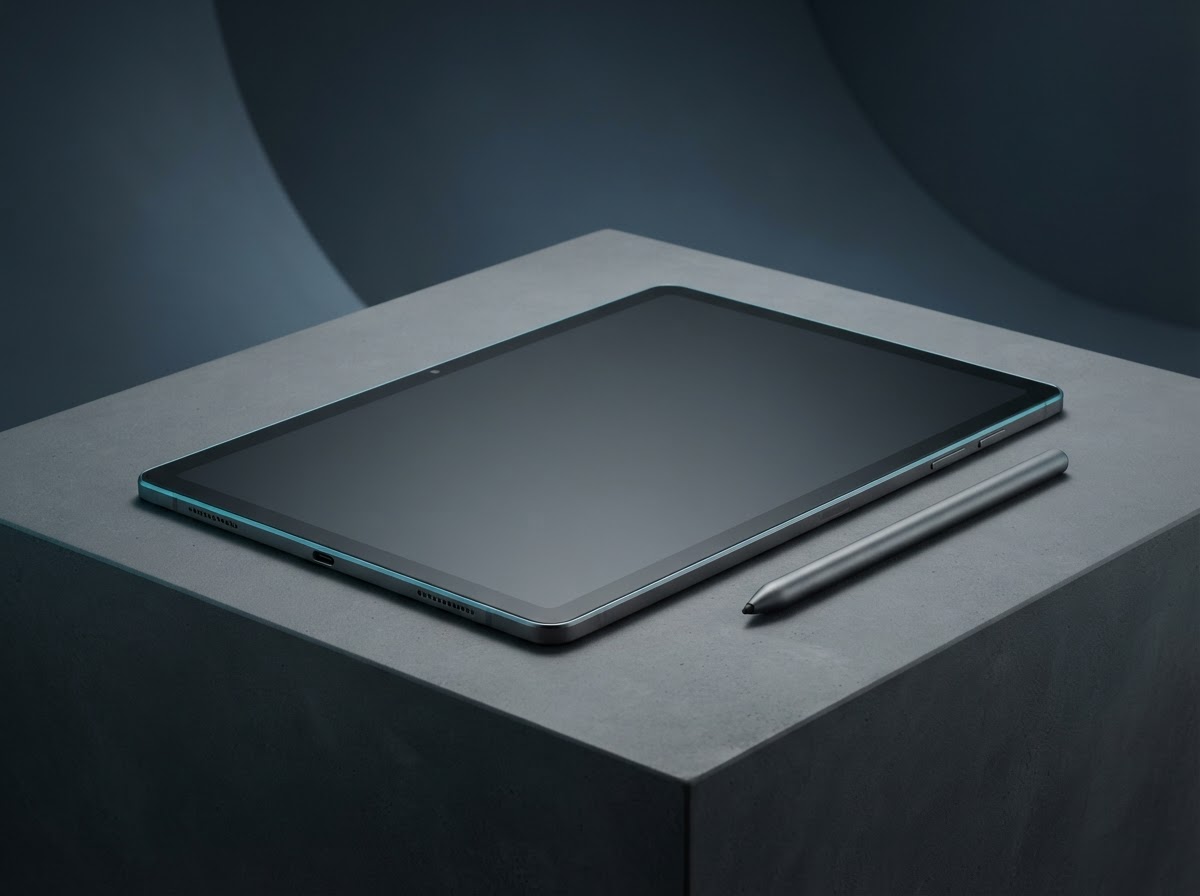
Tablets by application
Choose the format that fits your buyer’s environment, operating requirements and support plan. Use the exact model identifier in every quotation and sample request.
Education tablet
Look for durable case accessories, steady video playback, safe charging carts and fleet provisioning. Confirm multilingual keyboard and accessibility settings.
Counter or kiosk tablet
Specify always-on behavior, mounting points, external power, wake-on-power and USB peripheral support for the planned port layout.
Field tablet
Define outdoor brightness, gloves, water or dust exposure, cradle and an optional cellular module. Verify the intended outdoor workflow on the sample.
Inside and outside the product
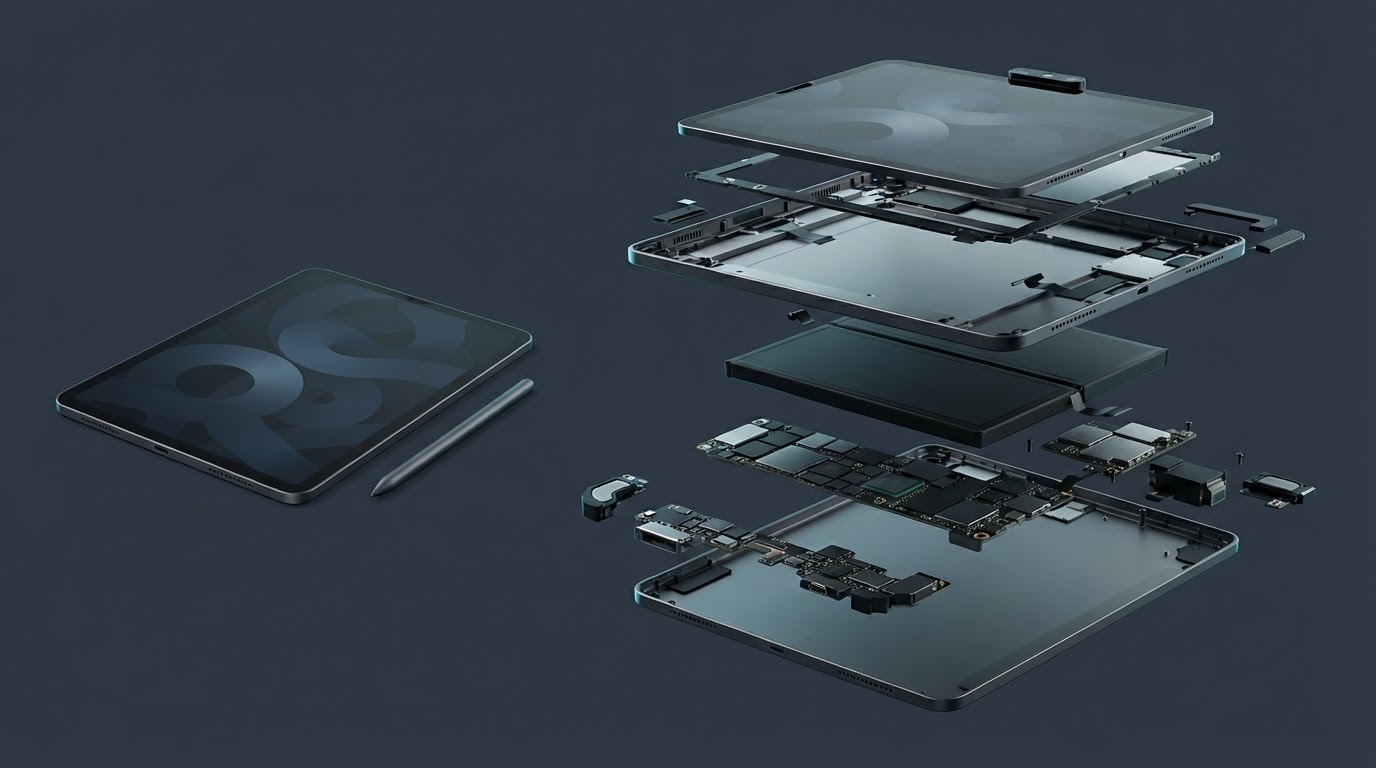
Explore the enclosure, interfaces and internal assembly. Open each component to see what it does and which design details affect sourcing.
Touch display
Glass, digitizer and panel combine to receive taps, display content and support optional active pen input.
Battery pack
Flat cells sit behind the display. Charging circuitry and sleep behavior affect runtime and time to recharge.
Logic board and radios
The processor and memory support applications. The antenna system is integrated around the frame.
Ports and accessories
USB-C, pogo pads and camera holes govern compatibility with docks, keyboards, chargers and mounts.
Enclosure and audio
The case anchors the screen and protects camera, speaker and microphone modules.
Tablets specification table
Ask each supplier to state a proposed value, supporting evidence and any deviation for the exact model it quotes. Measure samples under the same operating conditions before confirming the final configuration.
| Parameter | Specify or request from the supplier |
|---|---|
| Panel and input | Diagonal, native resolution, brightness, touch accuracy, refresh mode, stylus protocol and palm rejection. |
| Performance | Processor, RAM, storage, expansion, codecs and sustained application performance while charging. |
| Connectivity | Wi-Fi bands, Bluetooth features, cellular bands and SIM arrangements on variants that include radio modules. |
| Device management | OS build, enrollment, kiosk controls, restore procedure, update commitment and preloaded app ownership. |
| Power | Cell capacity in Wh, use profile for runtime, charger power, plug and USB-C host or data capabilities. |
| Build and accessories | Fastener, mount or cradle drawing, case cutouts, speaker and microphone placement and approved screen protector. |
| Environment | Temperature range, ingress and drop evidence where requested, vibration or motion for mobile deployments. |
Compare the offer line by line
Spare display modules, charging ports and batteries matter for fleet projects. Quote the cradle and protective accessories as separately identifiable SKUs, and define repair, replacement and spare availability before ordering.
Record unit price, minimum order by configuration, sample cost, lead time and quoted handover terms. Use the China import quotation checklist to compare the cost and inclusions of each offer.
From sample to shipment inspection
Agree the sample, test method and acceptance limits before releasing a production order. Build the report around the product’s expected use and the components that can change between lots.
Sample setup
Enroll two units in the intended device-management platform. Test a meeting, point-of-sale peripheral or kiosk session over a working shift, including idle and wake behavior.
Production control
Approve operating image, panel part, charger label and accessory fit. Record the configuration against the serial range and confirm factory reset and update behavior.
Final checks
Inspect light bleed, touch dead zones, charging and USB enumeration. Check camera orientation, speaker distortion, case or wall-mount fit and serial scans.
See how supplier selection and inspection coordination fit into the MOEWORLDWIDE sourcing process.
Documentation, packing and export
Document review
Request market-specific radio evidence for wireless and cellular variants and the export pack information for the exact battery. If an outdoor rating is specified, review the reported test setup, closure state and accessory combination. Clarify OS licensing and support dates on the quote.
Freight and carton details
Ask suppliers to separate tablet weight from keyboard, rugged case and charger weight so freight costs and order splits are comparable. Use screen-facing protection and agreed master-carton dimensions. Include all lithium-powered items when asking the carrier to review the route.
Confirm the commercial invoice, packing list, delivery term, cargo handover and any destination-specific documents with the parties responsible for the shipment.
Request a sourcing quote for tablets
Share the details below so MOEWORLDWIDE can compare offers on the same scope, including the supplied configuration, documentation, inspections and delivery terms.
- Application and market. Identify the education tablet, counter or kiosk tablet or another configuration you are evaluating, and name the destination country and receiving city or port.
- Product specification. Include your target values for panel and input, performance, connectivity and attach a current drawing, reference unit or datasheet if available.
- Order and packaging. List quantity by model, trial order size, likely repeat volume, required pack languages, accessories and target delivery date.
- Evidence and terms. List required reports, sample approvals, inspection scope, warranty expectations and preferred freight handover point.